
Contractor Access Management: Onboarding to Offboarding
Contractor Access Management: Onboarding to Offboarding
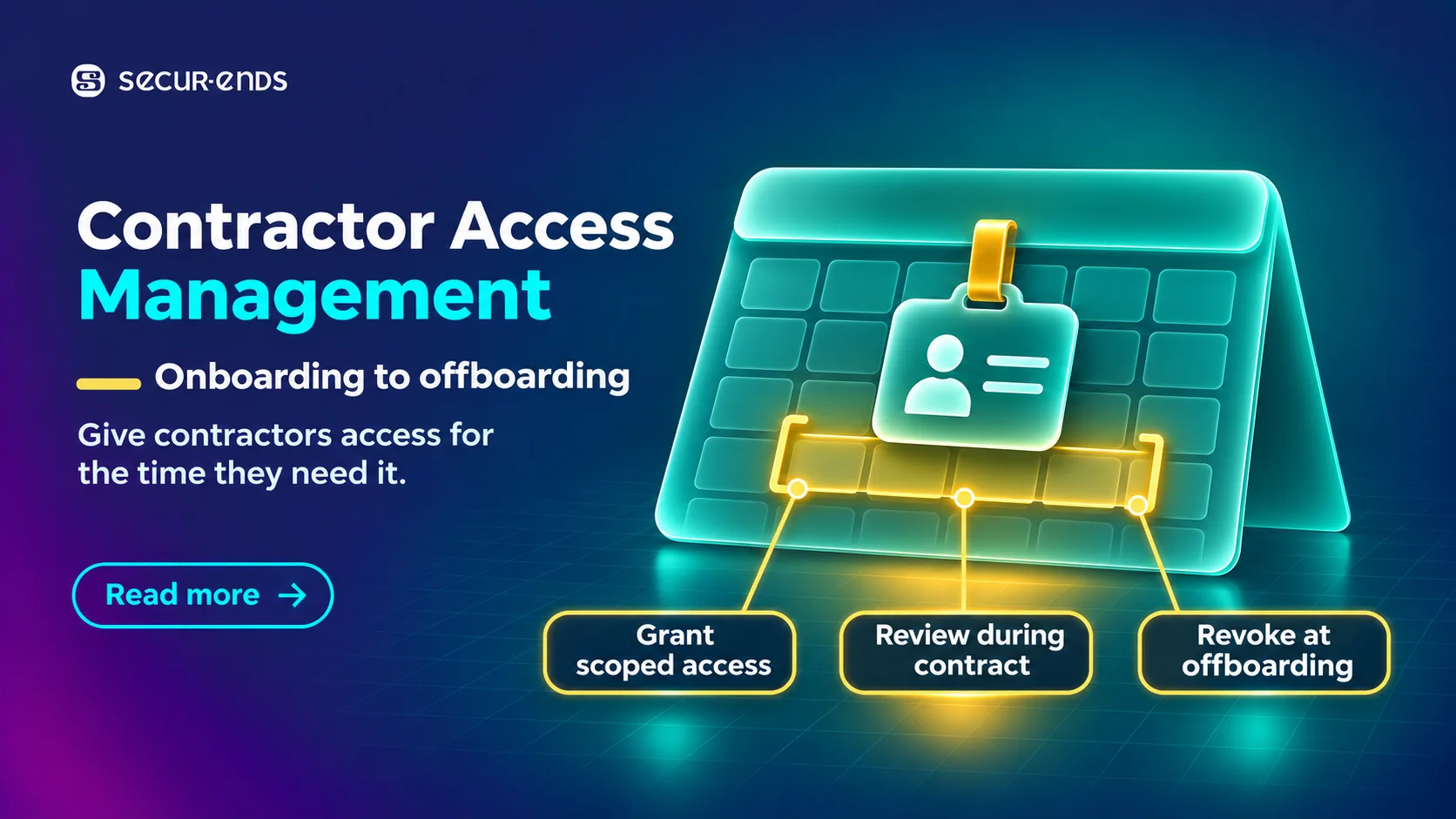
TL;DR
- Link each contractor’s accounts and permissions to an approved assignment, internal owner, and end date.
- Confirm the business need and approve technical permissions before granting access.
- Verify that approved extensions reach the systems that control expiry. Approve new privileges separately.
- Reassess existing access when contractors change projects or become employees.
- Trigger offboarding when work ends and verify removals across the affected systems.
When a Project Extension Never Reaches the Identity System
A bank grants a technology specialist 60 days of access for a lending platform implementation. On day 45, the project manager approves another month of work. The change never reaches the identity system, and the contractor loses access during a critical deployment.
The opposite can happen when work finishes early and the account stays active until its scheduled expiry. Contractor access management helps banks and credit unions keep permissions aligned with the work people are authorised to do and the dates they actually need access.
What Is Contractor Access Management?
Contractor access management is the process of granting, maintaining, modifying, and removing system permissions for individuals working under temporary or external assignments.
Contractor records may sit in procurement, staffing, or contractor management systems. Assignment dates and responsibilities can change, and returning contractors may have accounts from previous projects. Contractor access management focuses on those individual changes within the wider process of governing third-party relationships and permissions.
How to Establish a Reliable Contractor Identity Record
A contractor may have accounts in a banking application, identity directory, cloud environment, and collaboration platform. Link those accounts to one identity and the authorised assignment.
| Identity attribute | Why it matters |
| Unique contractor identifier | Distinguishes the individual from other identities |
| Assignment or engagement reference | Connects access to authorised work |
| Internal assignment owner | Establishes accountability for the business need |
| Contractor status | Shows whether the assignment is active, pending, extended, or ended |
| Start and expected end dates | Supports access activation and expiry |
| Assigned project or function | Defines the work requiring access |
| Required application access | Provides context for permission approval |
| Relevant source and last update | Helps establish whether the record is current |
Use an Authoritative Source for Assignment Changes
Use the approved source that owns assignment information, whether that is a staffing platform, HR extension, contractor management system, or controlled business record. Confirm that changes approved there reach the access management process. Collect only the information needed to manage the identity and assignment.
Match Returning Contractors to Existing Records
A contractor may return with a new email address or staffing reference. Use reliable identifiers to locate previous accounts and check whether any remain active. Base the new permissions on the current assignment.
How to Approve Contractor Access During Onboarding
The project owner can confirm that a specialist is authorised to work on a lending implementation. The application owner determines whether that work requires test access, production deployment privileges, or another specific permission.
| Decision | Accountable function | What to establish |
| Confirm the assignment | Internal project or business owner | The contractor has an authorised business purpose |
| Validate the identity | Approved identity or onboarding function | The record refers to the correct person |
| Approve application access | Application or resource owner | The requested permission is necessary |
| Approve elevated access | Designated security or privileged access authority | Sensitive rights are justified |
| Implement access | IT or authorised provisioning process | The approved permission is assigned correctly |
| Verify access | Relevant control or system owner | Required access works and remains within the approved scope |
Use templates as a starting point and verify them against the work. Two specialists on the same project may need different permissions if one configures test reports and the other deploys changes to production.
How to Handle Contractor Extensions and New Permissions
An approved extension may change only the end date. If the work also changes, assess any new permissions separately. Define how to handle pending requests before the existing access expires.
| Situation | Required decision | What to verify |
| Same role, approved extension | Continue justified access | The updated expiry is effective |
| New responsibilities | Approve additional permissions separately | New rights match authorised work |
| Extension pending | Apply the established expiry policy | Access continues only with approval |
| Extension rejected | End access at the appropriate time | Required removal is complete |
| Extension approved after access expired | Reauthorise and restore appropriate access | Restored rights match the approved assignment |
| Assignment ends before the revised end date | Initiate offboarding | Unnecessary permissions are removed |
If the extension is approved in one system but applied in another, assign someone to confirm the change. Advance notifications and escalation give owners time to resolve pending decisions before a deployment or other critical work.
How a Credit Union Can Handle Three Changes to One Assignment
A hypothetical credit union hires a specialist for 60 days to configure reporting workflows and test integrations for a digital lending platform. The contractor has an internal sponsor and approved test-environment access.
- The project is extended by 30 days. The project manager approves the extension, the assignment record is updated, and the credit union verifies that the new expiry applies to the existing test access.
- Production deployment is added. The application owner approves a restricted production role for the deployment. Where supported, the elevated access has its own duration and conditions.
- The work finishes early. The early completion event triggers offboarding. The credit union checks test, production, directory, and other relevant permissions, then retains the approvals, assignment change, and verification evidence.
How to Prevent Access Accumulation During Project Transfers
A contractor may finish a loan origination project and move to a financial reporting assignment. Review the lending permissions before granting new reporting access, particularly when different application owners manage the two systems.
If the assignments overlap, document which permissions both projects still require and when the earlier access should end. Reassess that access when the overlap closes.
How to Manage Contractor-to-Employee Conversion
Reconcile the contractor and employee records, confirm whether existing accounts can be retained, and compare current permissions with the new role. A contractor who becomes an application analyst may no longer need the production privileges granted for an implementation.
Coordinate the contractor end date and employee start date. If two accounts must remain active during the transition, document the reason and duration. Verify that the final account and entitlement state matches the approved employee role.
What Verified Contractor Offboarding Looks Like
Use the actual end of the assignment to trigger offboarding, whether work finishes early, expires as scheduled, or ends through conversion. Check the directory alongside local banking accounts, cloud roles, and separate privileged access systems.
Assign each removal to the responsible owner and verify the resulting access state. For higher-risk permissions, retain an updated source-system report or a controlled verification record. Keep failed removals open until they are resolved.
Account for Ongoing Service Dependencies
A contractor may have worked on an integration that still supports banking operations. Remove the contractor’s individual access and assess the integration’s needs separately. Any technical identity that remains active should have its own owner, business purpose, and safeguards.
What Should Contractor Access Management Software Automate?
Evaluate software against the changes that affect an assignment and the systems that enforce access.
| Capability | Buyer’s verification question |
| Authoritative identity source | Can the solution use approved contractor records? |
| Account correlation | Can it match a contractor to the relevant application accounts? |
| Assignment ownership | Can the internal owner be identified and reassigned? |
| Permission approval | Can application owners authorise specific access? |
| Scheduled expiry | Can time-bound permissions expire where supported? |
| Extension handling | Do approved changes update the right access assignments? |
| Project transfers | Can previous permissions be reassessed? |
| Identity conversion | Can contractor and employee records be reconciled? |
| Event-driven offboarding | Can early termination trigger the required actions? |
| Remediation verification | Can the bank confirm actual permission changes? |
| Historical evidence | Can approvals, exceptions, and actions be reconstructed? |
Confirm which functions depend on integrations or manual fulfilment. An access package may expire successfully while a local banking application account remains active. Ask the vendor to demonstrate which permissions expiry actually covers.
Five Proof-of-Concept Tests for Banking Teams
| Scenario | Acceptance criteria |
| Initial onboarding | The correct identity, sponsor, permissions, and access duration are recorded |
| Approved extension | The expiry date changes and permissions remain within the original approval |
| Project transfer | Previous access is reassessed and new access follows the approval process |
| Contractor-to-employee conversion | Both identity records remain traceable and obsolete accounts are addressed |
| Early termination | Required removal begins and completion can be verified |
Include a failed or manual removal. If a legacy core banking application requires an administrator to make the change, check whether the platform assigns the task to the right owner, tracks it until completion, and retains evidence from the application.
How to Measure Contractor Access Management Effectiveness
Suppose a bank has 100 active contractor identities. Of those, 92 have a confirmed internal owner and an approved end date. The bank has 92% documented assignment coverage. It still needs to review whether the permissions assigned to those contractors match their work.
| Metric | What it helps reveal |
| Active contractors with valid assignment owners | Accountability gaps |
| Active contractors with approved end dates | Assignment data completeness |
| Approved extensions missing from access systems | Implementation delays |
| Ended assignments with active accounts | Potential stale access |
| Contractors retaining previous project permissions | Access accumulation |
| Termination-related removals verified complete | Offboarding effectiveness |
| Contractor accounts outside managed systems | Visibility limitations |
Where Identity Governance Supports Contractor Access Controls
User access reviews and certification workflows can help owners review contractor permissions, document decisions, and track changes across connected banking applications.
SecurEnds supports access certification for employees, contractors, and partners, along with entitlement visibility and remediation workflows. Check how approved contractor records, extensions, and early termination events reach the governance process. The identity governance framework for credit unions provides further context for coordinating access across financial applications.
Best Practices for Contractor Access Management
- Record the owner, assignment, and end date at onboarding. Use the approved assignment source and link the contractor’s application accounts.
- Separate extensions from permission approvals. Verify that the new expiry took effect and approve any additional access on its own merits.
- Reassess access after transfers and conversions. Confirm which previous permissions can be removed and document any necessary overlap.
- Trigger offboarding when work actually ends. Include early completion and check accounts outside the central directory.
- Verify required removals. Retain evidence from affected systems and assign an owner to any action that remains open.
Frequently Asked Questions
What is contractor access management?
Contractor access management governs the accounts and permissions granted to people working under temporary or external assignments. It covers identity records, approved onboarding, extensions, assignment changes, and offboarding.
How is contractor access management different from third-party access governance?
Third-party access governance covers organisations, external relationships, identities, and permissions. Contractor access management focuses on the individual’s assignment, including extensions, project transfers, employment conversion, and early completion.
Should banks automatically disable contractor accounts on their end dates?
End dates can trigger expiry and offboarding. Apply approved extensions, follow established policy for pending requests, and account for any operational dependencies. Verify required removals in each affected system.
Who should approve a contractor’s access to banking applications?
The internal assignment owner confirms the business purpose. The application or resource owner assesses the requested permissions. Privileged or sensitive access may require additional security approval.
How should banks handle contractors who become permanent employees?
Reconcile the identity records, decide which accounts to retain, and assess permissions against the new employee role. Coordinate effective dates and verify that temporary privileges and obsolete accounts are removed or updated.
Does expiring a contractor’s access package remove all their banking permissions?
Expiry affects the permissions managed by that package. Separate local accounts, privileged roles, and other assignments may require additional removal and verification.
What should banks evaluate in contractor access management software?
Check assignment records, identity matching, ownership, approvals, expiry, extension handling, and offboarding. Use a proof of concept that includes a project transfer, additional privileges, early termination, and a failed removal.
Keep Contractor Access Aligned With the Assignment
Test the full process with a contractor whose work changes after onboarding. Confirm that an approved extension reaches the systems that enforce expiry, additional privileges receive separate approval, and offboarding starts when the assignment ends. Verify the final access state in the affected applications.




